What a VPN Does and Doesn’t Do: Privacy, Encryption, and Public Wi-Fi Safety Explained
Public Wi-Fi at cafes, airports, and hotels is convenient, but it raises questions about who can see your activity. A virtual private network, or VPN, is often recommended, yet its benefits and limits are frequently misunderstood. Understanding what a VPN actually does helps you set realistic expectations for privacy and security.
How Does VPN Protect Your Internet Connection?
To understand how does VPN protect your internet connection, picture what happens without one. Normally your device connects directly to a Wi-Fi router and then to your internet provider, which forwards traffic to the sites and apps you use. On an open or shared network, other devices, the network owner, and your provider can see metadata about your connections, such as which domains you visit.
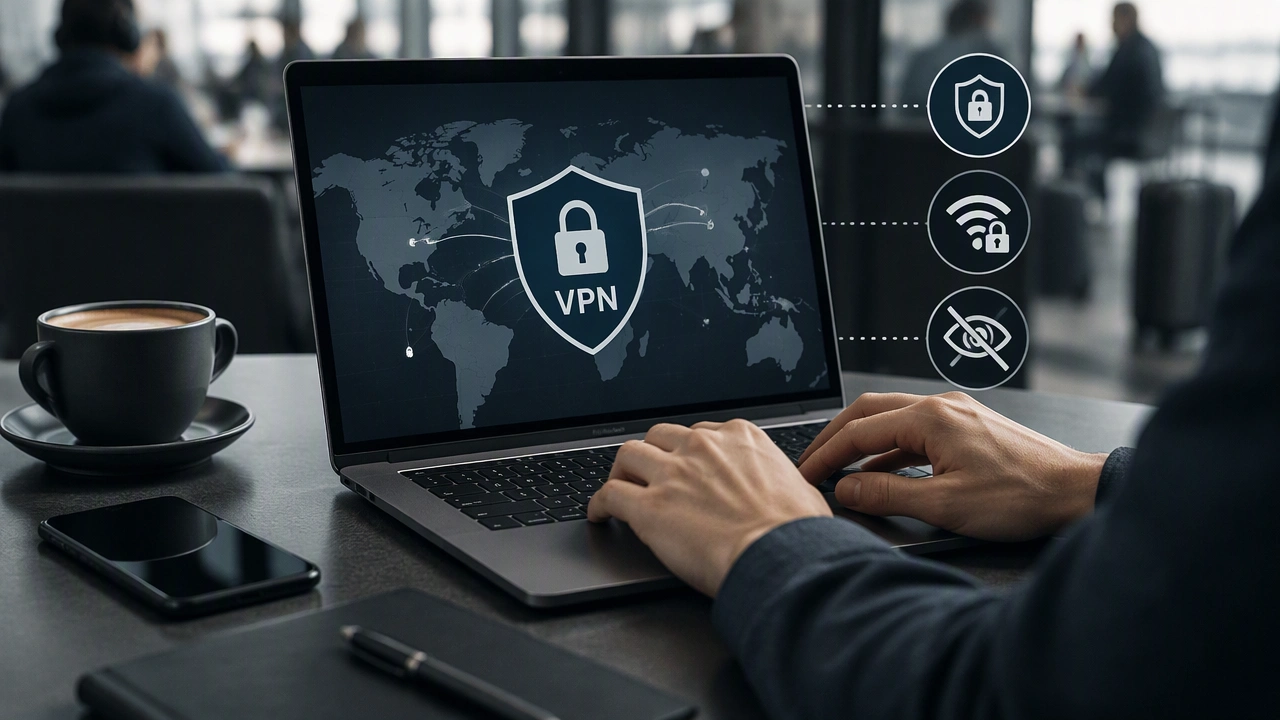
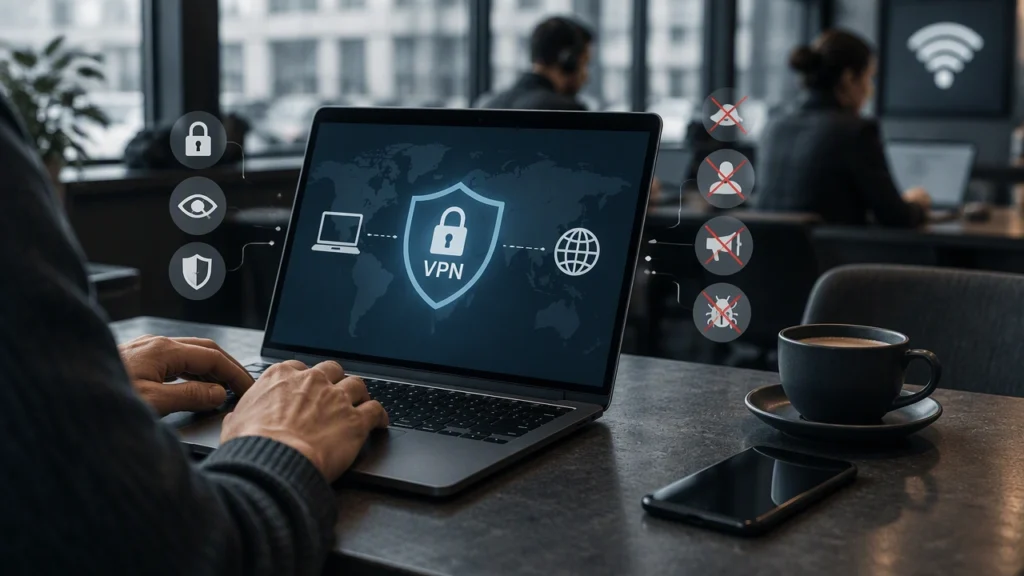
A VPN creates an encrypted tunnel between your device and a server run by the VPN provider. Your device encrypts requests first, sends them through the tunnel, and the VPN server forwards them to their destination. Responses return the same way. To anyone watching the local network, your traffic looks like encrypted data going to one VPN server, not separate connections to many sites.
This tunneling is the core protection a VPN offers. It does not make you invisible, but it changes who can see what and where your traffic appears to originate.
What a VPN Actually Encrypts
A VPN encrypts traffic between your device and the VPN server, including browsing activity, app data, and DNS queries if the VPN handles DNS correctly. That prevents eavesdropping on the local network.
But VPN encryption is not end-to-end for your whole internet journey. Consider three layers:
- Local network encryption: The VPN protects data as it travels over Wi-Fi and through your provider to the VPN server. This is where it is most effective.
- Transport encryption: Most sites and apps already use HTTPS, which encrypts data between your browser and the site. A VPN adds another layer locally but does not replace HTTPS.
- Beyond the VPN server: Once traffic leaves the VPN server for the public internet, it relies on the destination site’s encryption. The VPN provider can also see your traffic unless it is protected by HTTPS.
In short, a VPN encrypts your connection to its server, not the entire path across the internet.
VPNs and Public Wi-Fi Safety
Public Wi-Fi is where VPNs help most. Open networks often lack strong encryption, and even password-protected shared networks can let other users try to intercept unencrypted traffic. Without a VPN, an attacker on the same network might see which domains you visit or capture data from sites without HTTPS.
With a VPN, all traffic is encrypted before it leaves your device. An observer on the Wi-Fi sees only encrypted packets heading to the VPN server, which greatly reduces local snooping and man-in-the-middle risks.
A VPN does not make public Wi-Fi completely safe by itself. You should still:
- Keep your device updated and use a firewall to avoid exposing system vulnerabilities.
- Verify network names to avoid spoofed hotspots that mimic legitimate ones.
- Use HTTPS and be cautious with sensitive logins, even with a VPN.
What a VPN Does for Privacy
A VPN improves privacy from some observers but shifts trust rather than removing it.
What it helps with:
- Hides activity from local observers: The Wi-Fi owner, other users, and your provider see only the VPN connection, not the sites you visit.
- Masks your IP address: Websites see the VPN server’s IP, not your real home or mobile IP, making location-based linking harder.
- Reduces IP-based profiling: Your apparent location becomes that of the VPN server, limiting simple tracking and targeting.
What it does not do:
- It does not make you anonymous: Cookies, browser fingerprinting, and logged-in accounts can still track you regardless of IP.
- It does not block tracking or malware alone: A VPN is not an ad blocker or antivirus unless those features are specifically included.
- It does not hide activity from the VPN provider: The provider can see connection times and, for non-HTTPS traffic, contents. A clear, audited no-logs policy matters.
What a VPN Cannot Protect You From
A VPN will not protect you if you share personal information voluntarily, reuse compromised passwords, or download malicious files. It also cannot fix insecure sites that do not use HTTPS, since data is unprotected after it leaves the VPN server.
It also does not hide your identity from services where you are logged in. If you sign into email or social media, that service knows who you are regardless of IP. App permissions and data shared with brokers can also leak information outside the VPN tunnel.
For broader protection, use a VPN as one layer alongside strong unique passwords, two-factor authentication, and privacy-focused browser settings.
When You Should and Should Not Rely on a VPN
A VPN is most useful on public or untrusted Wi-Fi, when you want to limit what your provider can see, mask your IP for privacy, or secure remote work access.
It is less useful alone for blocking malware, stopping targeted ads, achieving full anonymity, or securing data stored on remote servers. Other tools are better suited there.
Before choosing a service, check its encryption standards, logging policy, independent audits, and whether it offers DNS leak protection and a kill switch that blocks traffic if the connection drops.
Used with realistic expectations, a VPN is a practical tool that strengthens your connection on untrusted networks and gives you more control over who sees your browsing metadata. Combined with HTTPS, updated devices, and mindful habits, it adds a meaningful layer of defense without promising complete privacy.